Most families already have a shared calendar. Several, in fact. There's the one on the fridge, the one in someone's phone, the school newsletter nobody's read and the group chat where plans quietly change. The trouble isn't having nowhere to put things. It's having too many places.
Sharing a calendar properly means picking one of those and making it the place things go first.
Pick one place
It matters much less which calendar you choose than that you all choose the same one. Google Calendar, Apple Calendar, a family app, even a big paper one: any of them works if everyone uses it, and none of them works if one person keeps their own on the side.
A few things to check before you commit:
- Everyone can add to it from the phone they already carry
- Changes show up for everyone straight away, without a refresh or a re-share
- It's easy to see who each thing belongs to
Set it up in ten minutes
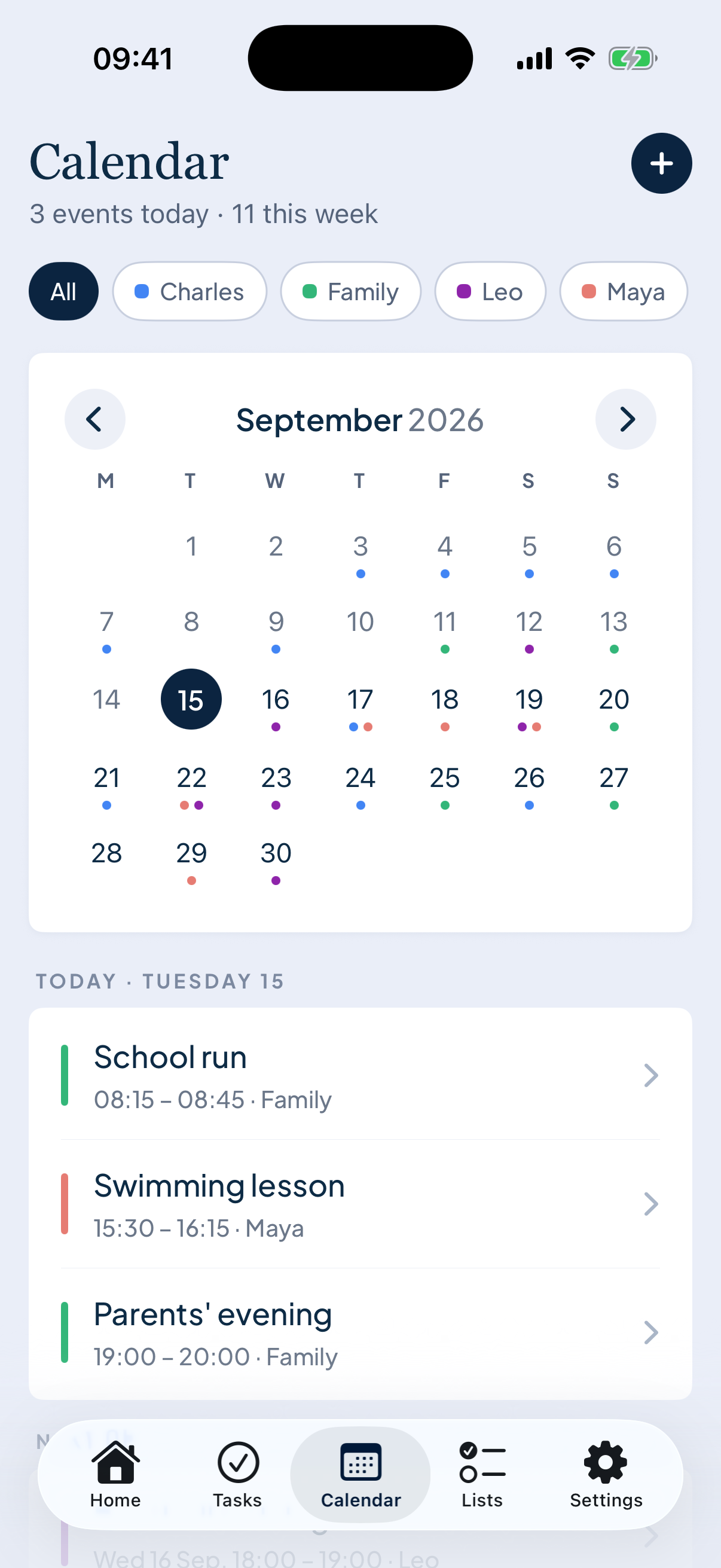
Create one calendar for the household (not for each person), invite every adult, and add the children if they're old enough to have phones. Give each person a colour. Then put in the fixed points of the week: school hours, clubs, regular pickups, work shifts that affect the family.
That's the setup. Resist the urge to import everything from everyone's work diary. The family calendar is for things the family needs to know, not for every meeting.
“A family calendar only works if it's the first place you write things, not the fourth.”
The three habits that keep it alive
Write it there first. When a party invite arrives, it goes in the calendar before anyone replies. Not in a text, not on a sticky note. If it isn't in the calendar, it isn't happening yet.
One colour per person, not per activity. Colour-coding by type (sport, school, social) looks lovely and tells you nothing at a glance. Colour by person and you can see instantly whose week is heavy.
Read it together once a week. Five minutes on a Sunday, reading the week out loud. It's what turns a shared calendar into a shared plan, and it's where you catch the clashes. There's more on that in the Sunday reset.
What to leave out
A shared calendar gets ignored when it's too full. Leave out anything only one person needs to know, reminders that are really tasks ("buy milk" belongs on a list), and recurring things so obvious nobody needs telling, like bin day, unless someone keeps forgetting.
If it goes stale
Every family calendar has a quiet fortnight where nobody updates it. Don't start again with a new app. Do one Sunday read-through, fill in the next two weeks, and carry on.
I built Noa because I wanted this to be easier: one calendar for the household that pulls in the Google or Apple calendars people already use, with a colour for each person. But the habits above work with anything.