Essentials, done properly
Calendar, tasks, shopping lists and reminders — the four things every household runs on, without a social feed bolted on.
FamilyWall bundles everything into a feed. Noa keeps the essentials — calendar, tasks, lists — in a calm app your whole household will actually keep using.

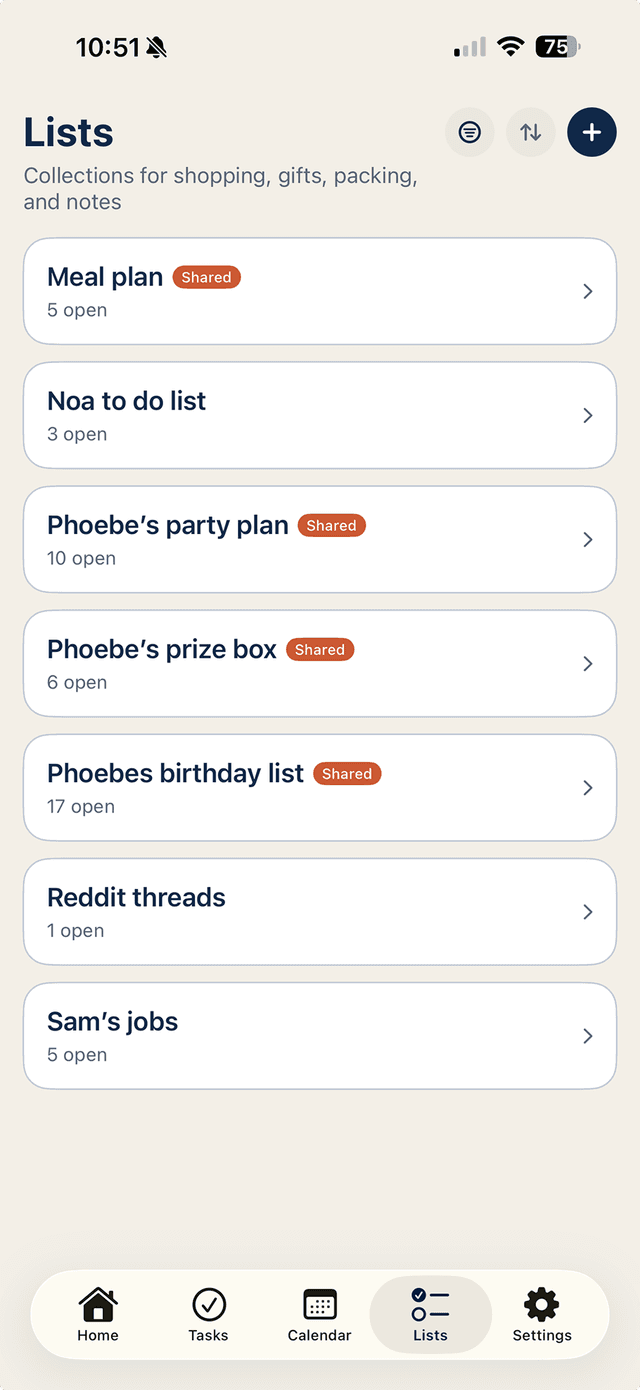
Calendar, tasks, shopping lists and reminders — the four things every household runs on, without a social feed bolted on.
Your family already talks in WhatsApp. Noa turns those messages into events, tasks and list items instead of scroll-away chat.
Household covers up to six people — partners, kids, grandparents on the school run — with a 7-day free trial.
FamilyWall's pitch is everything in one app: calendar, lists, meal planner, photo feed, location sharing, messaging. For some families that breadth is the appeal. For many, it's why the app gets abandoned — every screen is busy, the essentials share space with features nobody asked for, and the one person who set it up becomes the only person who opens it.
A family organiser only works if the least-enthusiastic person in the household keeps using it. That's a design problem, not a feature-count problem.
Noa is deliberately narrower and deliberately calmer. A shared calendar that syncs with Apple and Google. Tasks you can assign to a named person, with reminders that chase so you don't have to. Shopping and packing lists that update live on every phone. A morning briefing that tells each person what their day holds. That's it — and that's the point.
For the family members who won't open another app, Noa meets them where they already are: WhatsApp. Grandma can ask 'what's on this weekend?' and get the family schedule back as a message. No app, no login, no onboarding for her at all.
Switching costs almost nothing: Noa connects to the calendars you already have, the app is free to download, and Household — everything shared, up to six people — is free for the first 7 days and cancellable in two taps.
If your FamilyWall experiment ended with one parent maintaining a system nobody else looked at, try the opposite approach: fewer features, less friction, and a way in through the chat app your family already checks forty times a day.